PROJECT / Raspberry Pi lab
Homelab
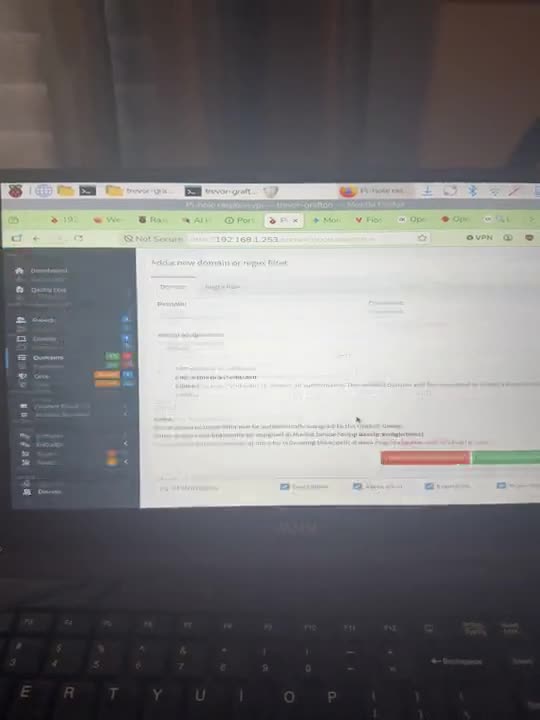
A Raspberry Pi 5 lab with a local-AI system monitor and checker, plus DNS filtering and an outfit check from my post.
- Raspberry Pi 5
- Pi-hole
- Flask
- psutil
- Ollama
- Type
- Systems
- Source
- Public on GitHub
- Role
- Home lab projects: a system monitor, a system checker and a local-AI outfit check (from my post and project folders).
- Built with
- Raspberry Pi 5, Pi-hole, Flask
01 / Overview
Overview
Collect
The dashboard reads CPU, RAM, disk and temperature with psutil.
Serve
A Flask app shows the stats live.
Ask for analysis
Clicking refresh sends the stats to a local Ollama model.
Read the result
The model returns a status, an analysis and advice.
Optional alert
A spoken alert can be played with espeak.
02 / Context and problem
Context and problem
A Raspberry Pi 5 lab. Pi-hole filters DNS for the network and a storage array is planned (both resume-reported). Setup details come from my posts and the recording. The AI system monitor is a public repo, and a related checker adds an agent loop. An outfit-check project uses a Tapo camera and a local Ollama vision model (resume-reported; I do not describe its internals).
03 / My role
My role
Home lab projects: a system monitor, a system checker and a local-AI outfit check (from my post and project folders).
04 / How it works
How it works
- Pi-hole filters DNS for the network (resume-reported).
- A system dashboard shows RAM, disk and temperature, and can ask a local model for analysis.
- An outfit-check project uses a Tapo camera and a local vision model (resume-reported).
05 / Key decisions
Key decisions
AI analysis on manual refresh only
No background model calls, so the dashboard does not spam the Pi.
Small models on the Pi
The monitor uses llama3.2:1b and the checker uses Qwen2.5 Instruct 1.5b, both small enough for the hardware.
06 / Results and numbers
Results and numbers
A small lab at home with two small local-AI tools on it; the dashboard tool is public.
- The monitor and checker run local models via Ollama; Pi-hole and the outfit check are from my post only.
07 / Limitations
Limitations
- The two tools use different models, and I have no measured latency.
- The Pi AI HAT+ did not fit my case (resume-reported).
- The redundant storage array and backup target are plans only.
- No automated tests in these tools.
08 / What's next
What's next
- Build a redundant storage array and a backup target.
09 / Media gallery
Media gallery
10 / Next project